Topic
Oscillating toothbrushes
Oscillating brushes rotate a small round head back and forth, often with a pulsing movement. Oral-B's iO range uses a magnetic drive.
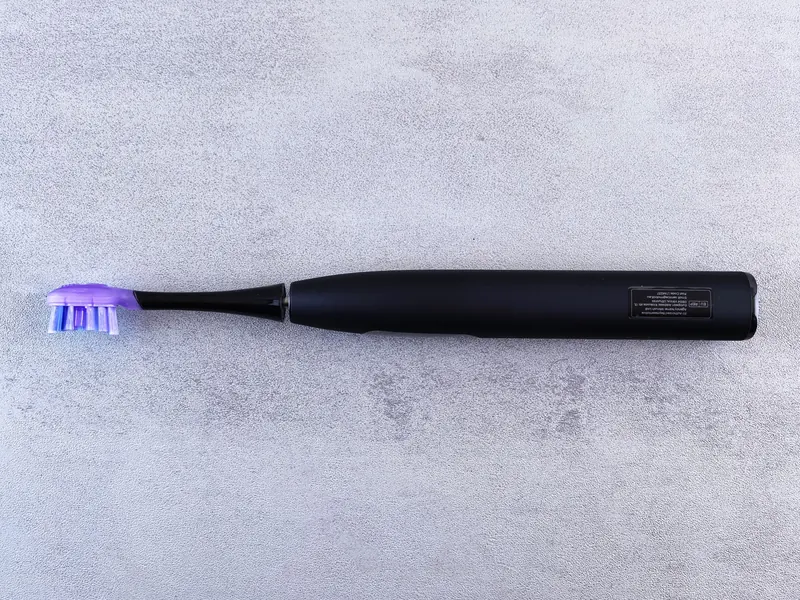
An oscillating-rotating brush turns a round head through a small arc, many thousands of times a minute. Some models add pulsations. The Oral-B iO range uses a magnetic drive, a display on the handle and a smart pressure ring that changes colour.
Round heads are designed for the brush they fit: iO heads fit only iO handles, while older Oral-B handles share one head fitting. Check this before buying spare heads.
Guides on this topic
- Oral-B iO vs Pro 3: what the extra money buysOral-B iO vs Pro 3 compared: magnetic drive, round iO heads, display and smart pressure sensor against the Pro 3's proven basics and cheaper heads.Comparison
- Oral-B iO Series 5 vs 6Oral-B iO5 vs iO6 compared from the listings: same five modes and smart pressure sensor, with a built-in display on the iO6. When to step up to the iO7.Comparison
- Oral-B iO not chargingOral-B iO not charging? Check the magnetic base, the socket, a flat battery and the reset, then use the warranty route if the handle still will not charge.Fix
- Oral-B iO lights explained: red, orange, white and greenWhat the red, white and green pressure ring on an Oral-B iO means, what battery and charging lights show, and how to change the ring colour on display models.Fix
- Is the Oral-B iO worth it?Is the Oral-B iO worth it over a cheaper Oral-B? What the magnetic drive, display, smart pressure ring and app add, and what to weigh up on head costs.Guide
- How to use an Oral-B iO: modes, display and pressure ringHow to use an Oral-B iO toothbrush: switching on, changing modes, reading the smart pressure ring and display, and setting up the Oral-B app.How-to
- How to reset an Oral-B iO toothbrushHow to reset an Oral-B iO: menu and button resets by model, re-pairing with the app, and when a reset fixes display, connection or battery issues.How-to